วิทยาลัยนานาชาตินวัตกรรมดิจิทัล มหาวิทยาลัยเชียงใหม่
31 มีนาคม 2569
Quotes
รู้เขารู้เรา รบร้อยครั้งชนะร้อยครั้ง
One who knows the enemy and knows himself will not be in danger in a hundred battles.
知彼知己,百战不殆。 (Zhī bǐ zhī jǐ, bǎi zhàn bù dài.)
သူတို့ကိုလည်း သိတတ်၊ ကိုယ့်ကိုလည်း သိတတ်လျှင် တိုက်ခိုက်သည့်တိုင်း မရှုံးနိုင်။
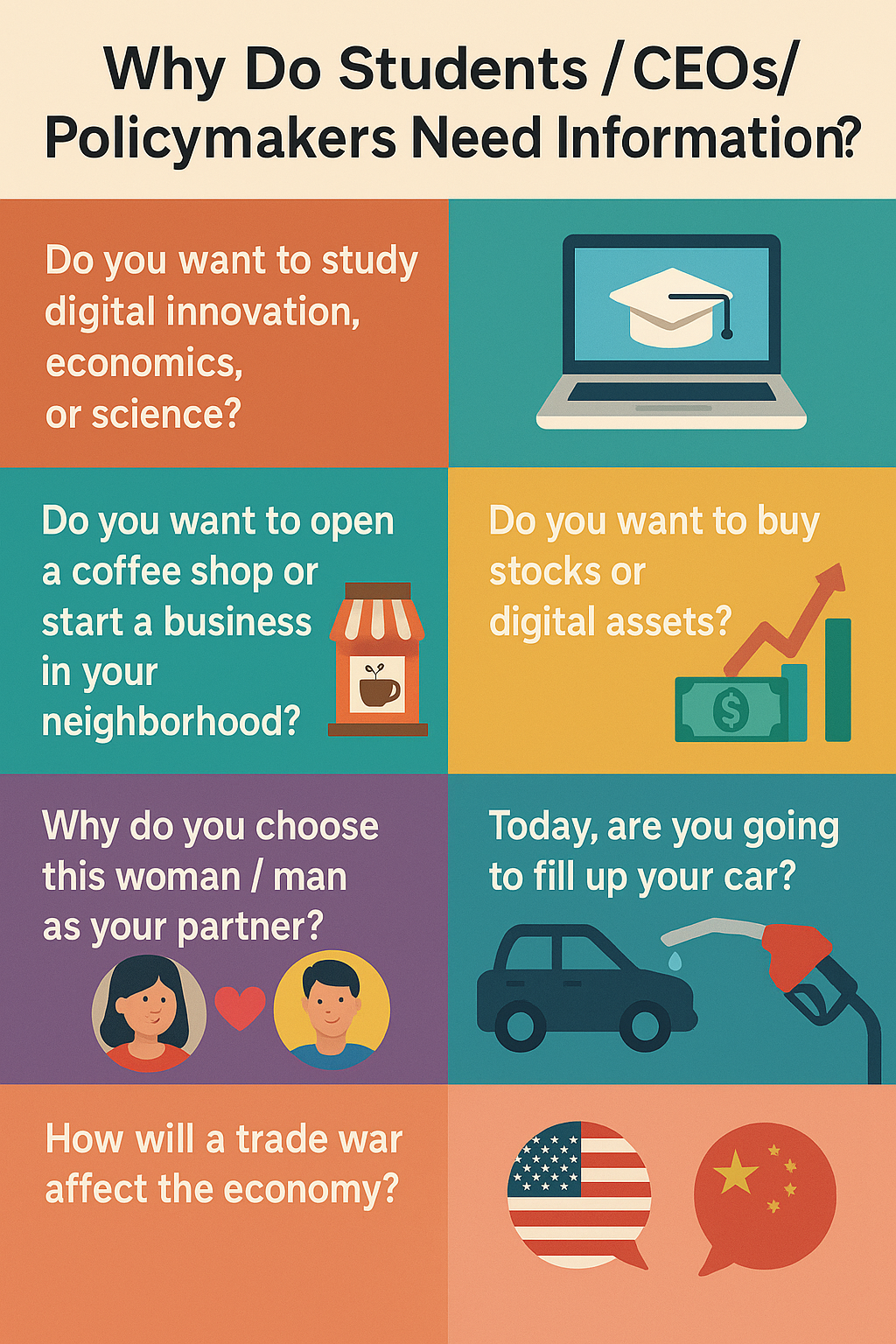
คุณต้องการเรียนในสาขานวัตกรรมดิจิทัล เศรษฐศาสตร์ หรือวิทยาศาสตร์หรือไม่?
คุณกำลังวางแผนจะเปิดร้านกาแฟ หรือเริ่มต้นธุรกิจในชุมชนของคุณหรือเปล่า?
คุณสนใจที่จะซื้อหุ้นหรือสินทรัพย์ดิจิทัลหรือไม่?
ทำไมคุณถึงเลือกผู้หญิง/ผู้ชายคนนี้มาเป็นคู่ชีวิต?
วันนี้คุณจะเติมน้ำมันรถหรือไม่?
สงครามการค้าจะส่งผลต่อเศรษฐกิจอย่างไร?
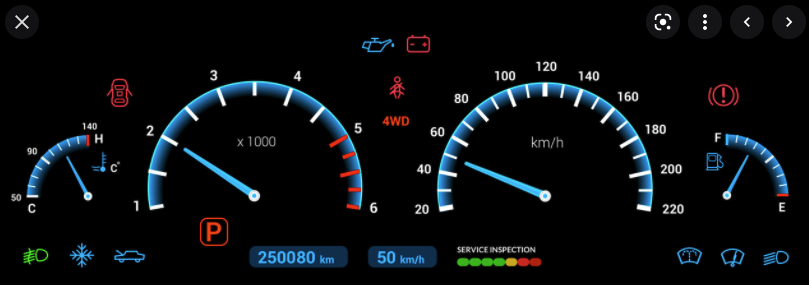
เราสามารถสรุปหรือค้นพบข้อมูลเชิงลึกอะไรได้บ้างจากแผงหน้าปัดของรถยนต์?
จากกราฟนี้ จะซื้อหรือจะขาย BTC?
เมื่อพิจารณาจำนวนร้านกาแฟที่อยู่ใกล้เคียงแล้ว
คุณยังคงอยากเปิดร้านกาแฟในบริเวณนี้อยู่หรือไม่?
import { Plot } from "@observablehq/plot"
d3 = require("d3@7")
// 2. ข้อมูลจำลอง
bizData = [
{ id: 1, month: "ม.ค.", revenue: 4500, users: 120, satisfaction: 85 },
{ id: 2, month: "ก.พ.", revenue: 5200, users: 150, satisfaction: 88 },
{ id: 3, month: "มี.ค.", revenue: 4800, users: 140, satisfaction: 82 },
{ id: 4, month: "เม.ย.", revenue: 6100, users: 190, satisfaction: 91 },
{ id: 5, month: "พ.ค.", revenue: 5900, users: 185, satisfaction: 89 },
{ id: 6, month: "มิ.ย.", revenue: 7200, users: 210, satisfaction: 94 }
]
// 3. ปรับแต่ง CSS ขั้นสูง (เน้น Margin และป้องกันการตัดบรรทัด)
html`
<style>
form[class*="inputs-"] {
display: flex !important;
flex-wrap: nowrap !important;
align-items: center !important;
justify-content: center !important;
gap: 35px !important;
width: 100% !important;
margin: 15px 0 !important;
color: white !important;
white-space: nowrap !important;
}
div[class*="inputs-"] label {
display: flex !important;
align-items: center !important;
gap: 6px !important;
color: #cbd5e1 !important;
font-size: 1em !important;
cursor: pointer !important;
}
input[type="radio"] {
accent-color: #a855f7 !important;
transform: scale(1.1);
}
.stats-grid {
display: grid;
grid-template-columns: repeat(3, 1fr);
gap: 15px;
margin-bottom: 20px;
}
</style>
<div class="stats-grid" style="font-family: 'Sarabun', sans-serif;">
<div style="background: rgba(30, 41, 59, 0.8); padding: 12px; border-radius: 12px; border-top: 4px solid #a855f7; text-align: center; color: white;">
<div style="font-size: 0.75em; color: #94a3b8;">รายได้รวม (Revenue)</div>
<div style="font-size: 1.6em; font-weight: bold; color: #e9d5ff;">$${d3.sum(bizData, d => d.revenue).toLocaleString()}</div>
</div>
<div style="background: rgba(30, 41, 59, 0.8); padding: 12px; border-radius: 12px; border-top: 4px solid #eab308; text-align: center; color: white;">
<div style="font-size: 0.75em; color: #94a3b8;">ผู้ใช้งานสะสม (Users)</div>
<div style="font-size: 1.6em; font-weight: bold; color: #fef08a;">${bizData[bizData.length-1].users} ราย</div>
</div>
<div style="background: rgba(30, 41, 59, 0.8); padding: 12px; border-radius: 12px; border-top: 4px solid #ec4899; text-align: center; color: white;">
<div style="font-size: 0.75em; color: #94a3b8;">ความพึงพอใจ (NPS)</div>
<div style="font-size: 1.6em; font-weight: bold; color: #fbcfe8;">${bizData[bizData.length-1].satisfaction}%</div>
</div>
</div>`viewof selectedMetric = Inputs.radio(
new Map([["💰 รายได้", "revenue"], ["👥 ผู้ใช้งาน", "users"], ["😊 ความพึงพอใจ", "satisfaction"]]),
{value: "revenue"}
)
// 5. วาดกราฟ (เพิ่ม marginLeft เพื่อโชว์ตัวเลขแกน Y)
{
const colorMap = { revenue: "#a855f7", users: "#eab308", satisfaction: "#ec4899" };
const labelMap = { revenue: "Revenue ($)", users: "Users (Counts)", satisfaction: "NPS (%)" };
const chart = Plot.plot({
height: 340,
width: 850,
marginLeft: 70, // เพิ่มพื้นที่ด้านซ้ายให้ตัวเลขหลักพันแสดงผลได้ครบ
style: { background: "transparent", color: "#94a3b8", fontSize: "14px" },
x: { domain: bizData.map(d => d.month), label: "Month" },
y: { grid: true, label: labelMap[selectedMetric], labelOffset: 50 },
marks: [
Plot.lineY(bizData, { x: "month", y: selectedMetric, stroke: colorMap[selectedMetric], strokeWidth: 4, curve: "monotone-x" }),
Plot.areaY(bizData, { x: "month", y: selectedMetric, fill: colorMap[selectedMetric], fillOpacity: 0.12, curve: "monotone-x" }),
Plot.dot(bizData, { x: "month", y: selectedMetric, fill: colorMap[selectedMetric], r: 5, stroke: "#0f172a", strokeWidth: 2 }),
Plot.text(bizData, { x: "month", y: selectedMetric, text: d => d[selectedMetric], dy: -18, fill: "white", fontWeight: "600" })
]
});
return html`<div style="display: flex; justify-content: center; width: 100%;">${chart}</div>`;
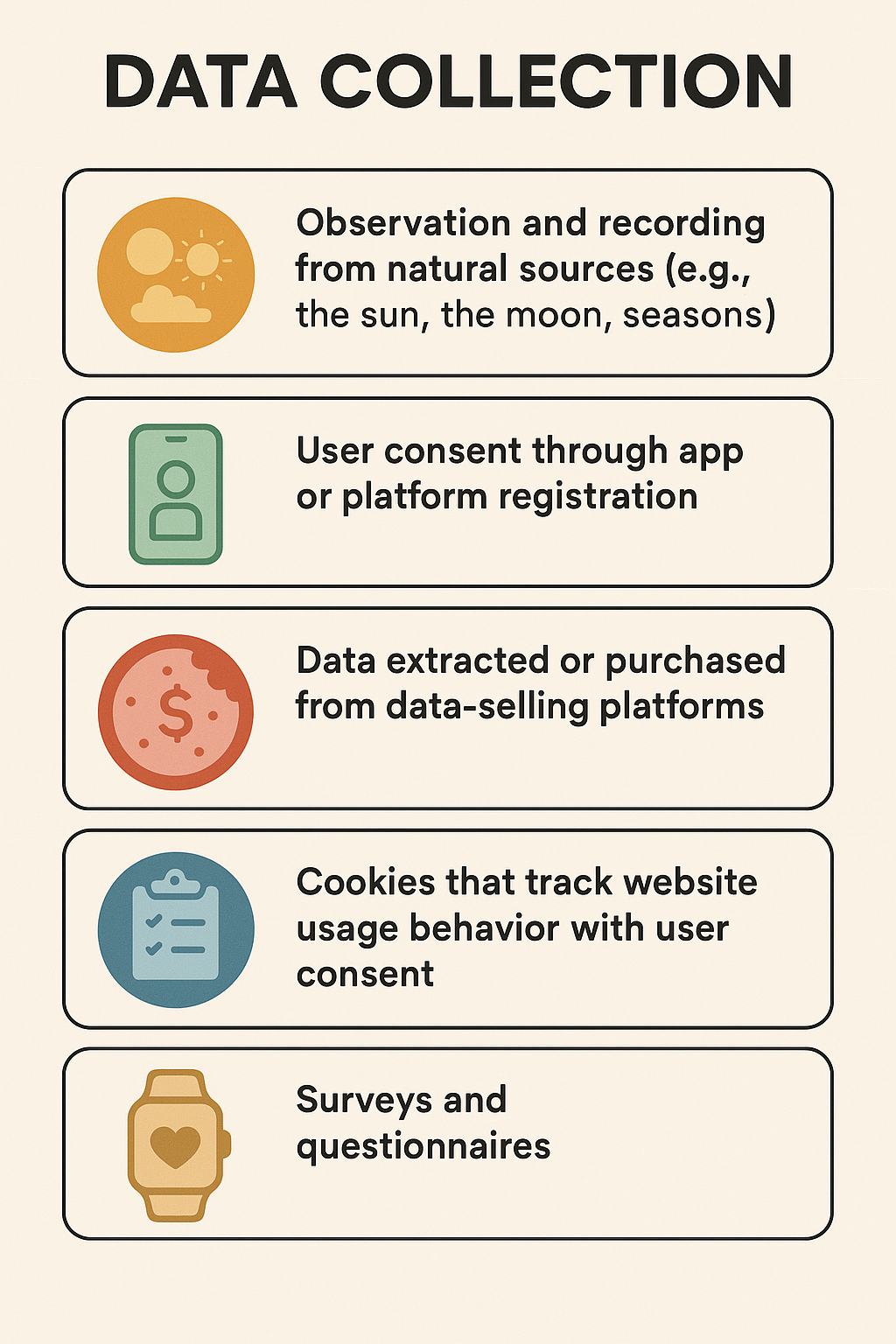
}คุกกี้ (Cookies) ที่ติดตามพฤติกรรมการใช้งานเว็บไซต์โดยได้รับความยินยอมจากผู้ใช้
แบบสำรวจและแบบสอบถาม
ข้อมูลจากเซนเซอร์หรืออุปกรณ์ IoT (เช่น สมาร์ตวอทช์ที่นักศึกษาสวมใส่)
ข้อมูลการทำธุรกรรมและการแลกเปลี่ยน
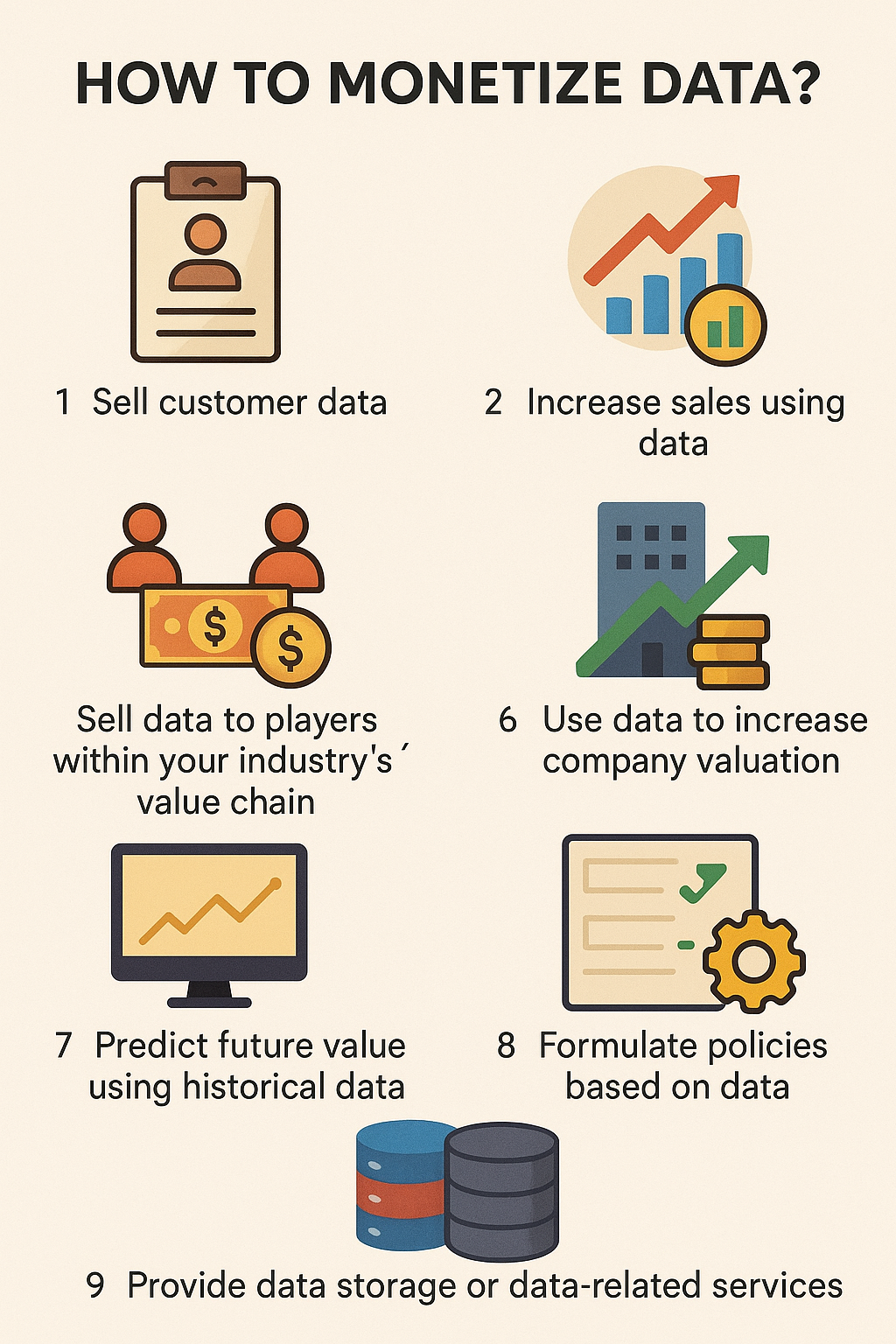
ใช้ข้อมูลเพื่อเพิ่มมูลค่าของบริษัท
ใช้ข้อมูลในอดีตเพื่อทำนายมูลค่าในอนาคต
จัดทำนโยบายโดยอิงจากข้อมูล
ให้บริการจัดเก็บข้อมูลหรือบริการที่เกี่ยวข้องกับข้อมูล
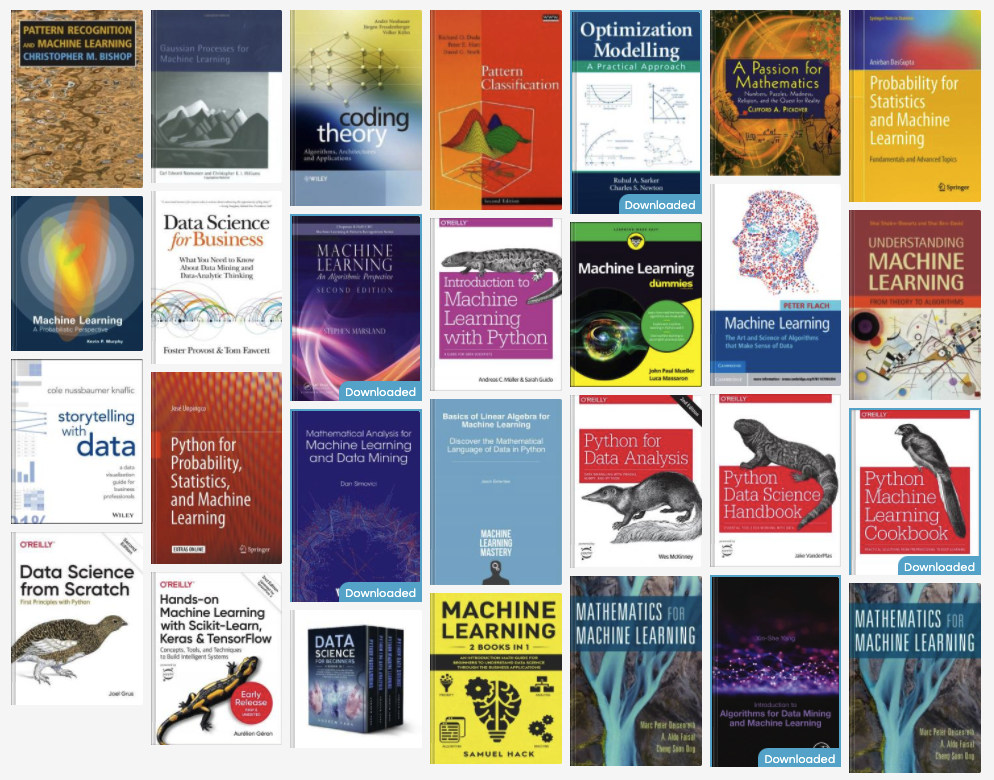
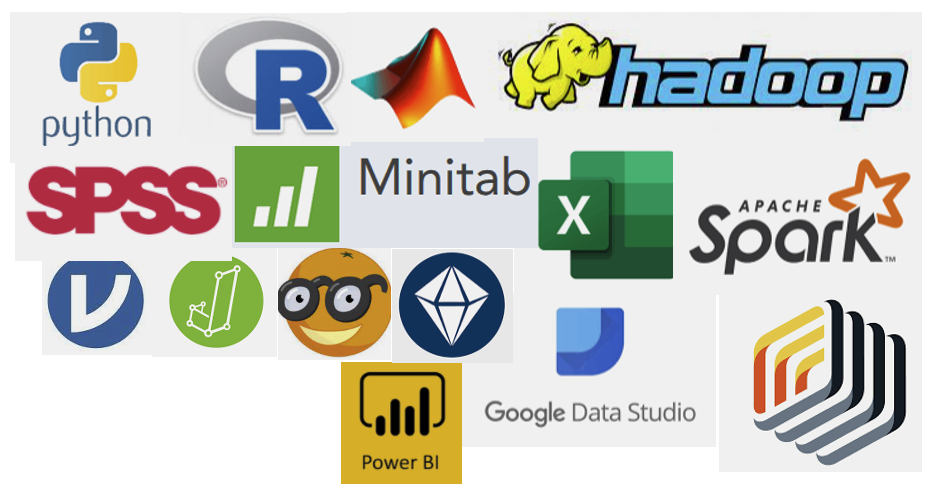
Python/R/SAS/MATLAB/Hadoop/Spark
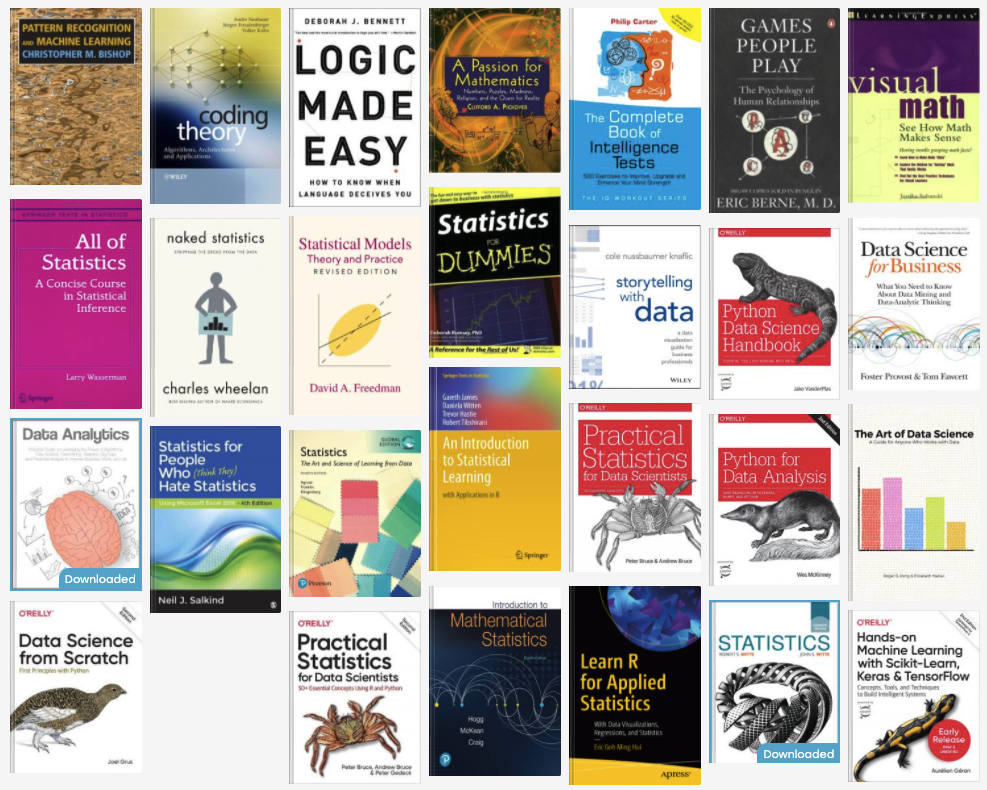
SPSS/Minitab/JAMOVI/JASP
Orange Data Mining/SPSS Modeler/Rapid Miner
EXCEL
Power BI/Google Data Studio
R Code
Python Code